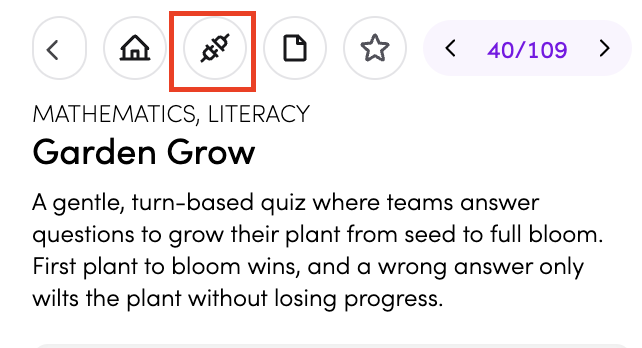
Garden Grow
Garden Grow
Garden Grow is a gentle, turn-based quiz game where teams take turns answering questions and grow their plant from seed to full bloom. The first plant to reach full growth wins - a calm, whole-class activity where everyone watches the garden fill in together.
How do I access Garden Grow?
You can access Garden Grow in three ways:
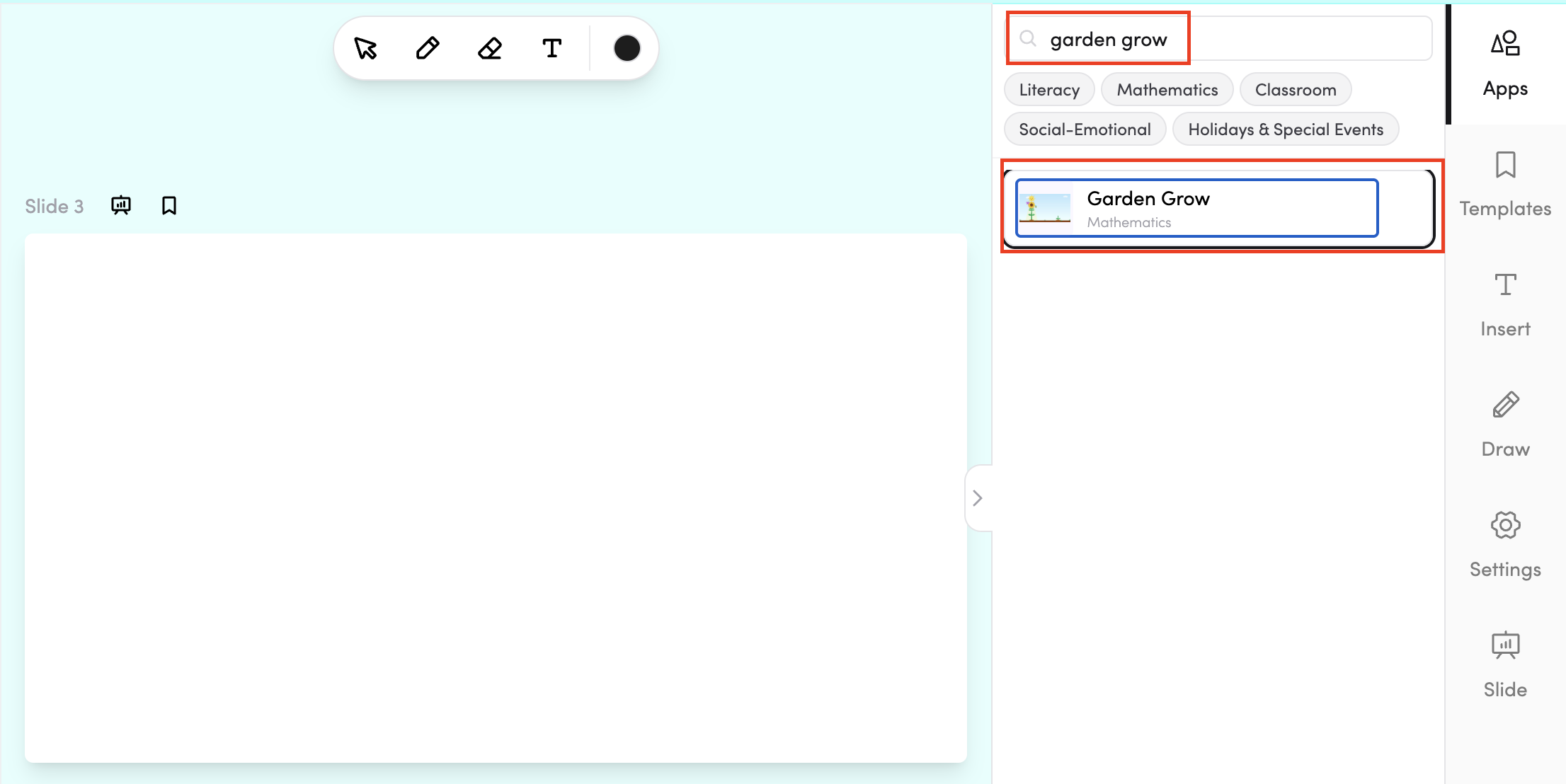
- Through Teach Mode - open Garden Grow directly from the bottom bar of Teach Mode.
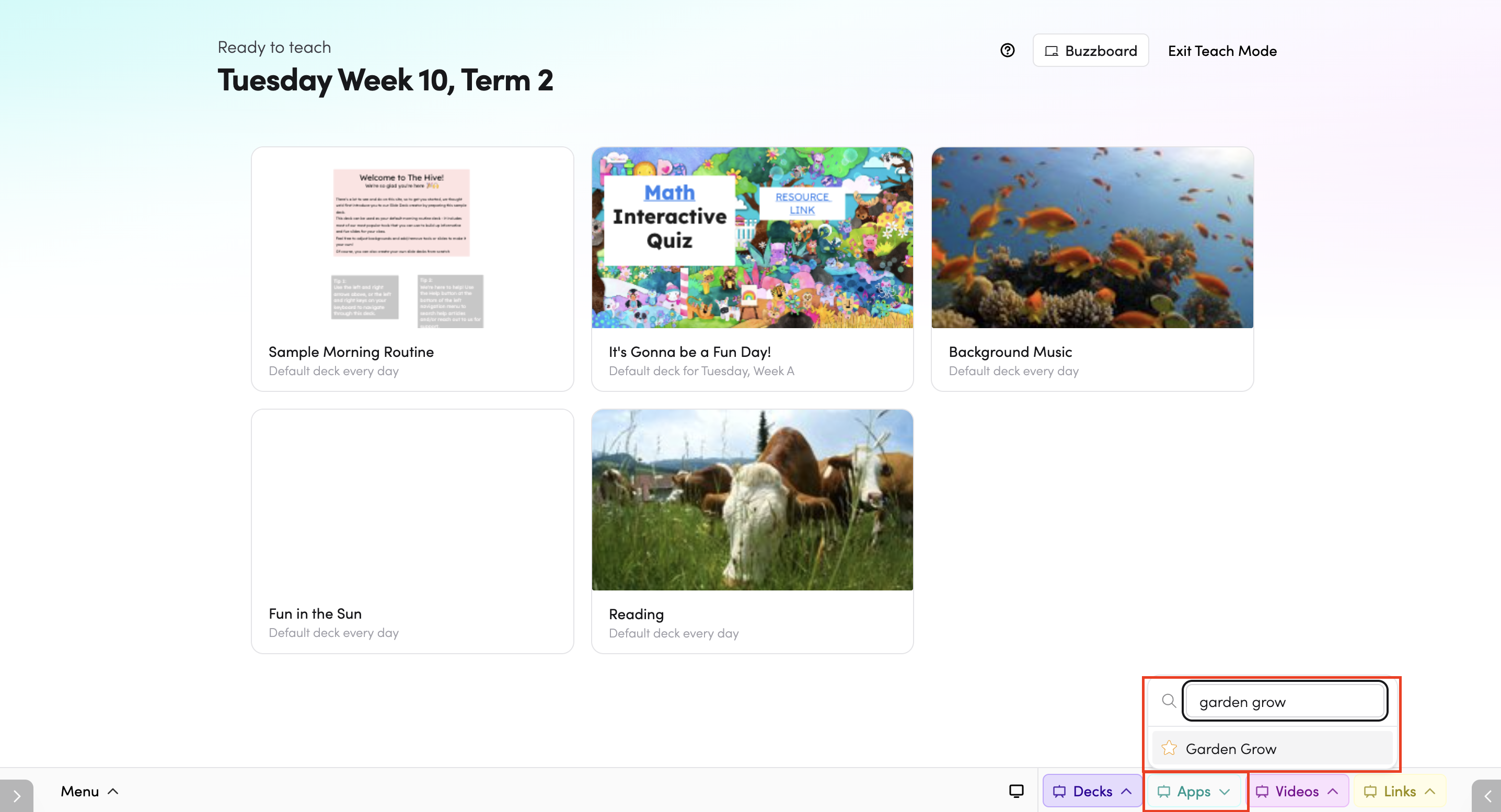
- From the Apps library - browse or search for Garden Grow in the Apps library.
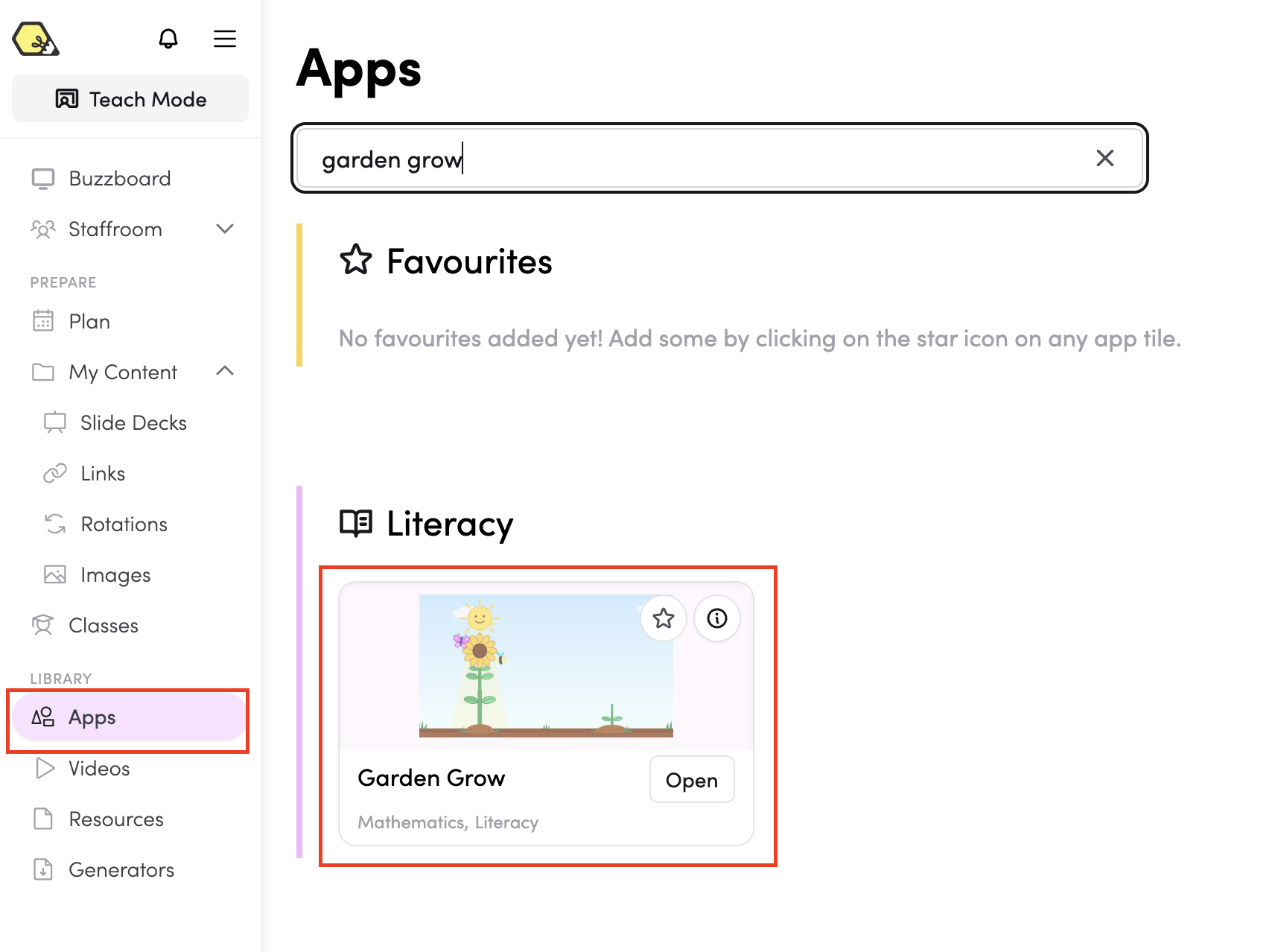
- In your slide deck - search for Garden Grow in the apps panel on the right and tap it to drop it onto your slide. From there, you can move and resize it however you like.
How do I use Garden Grow?
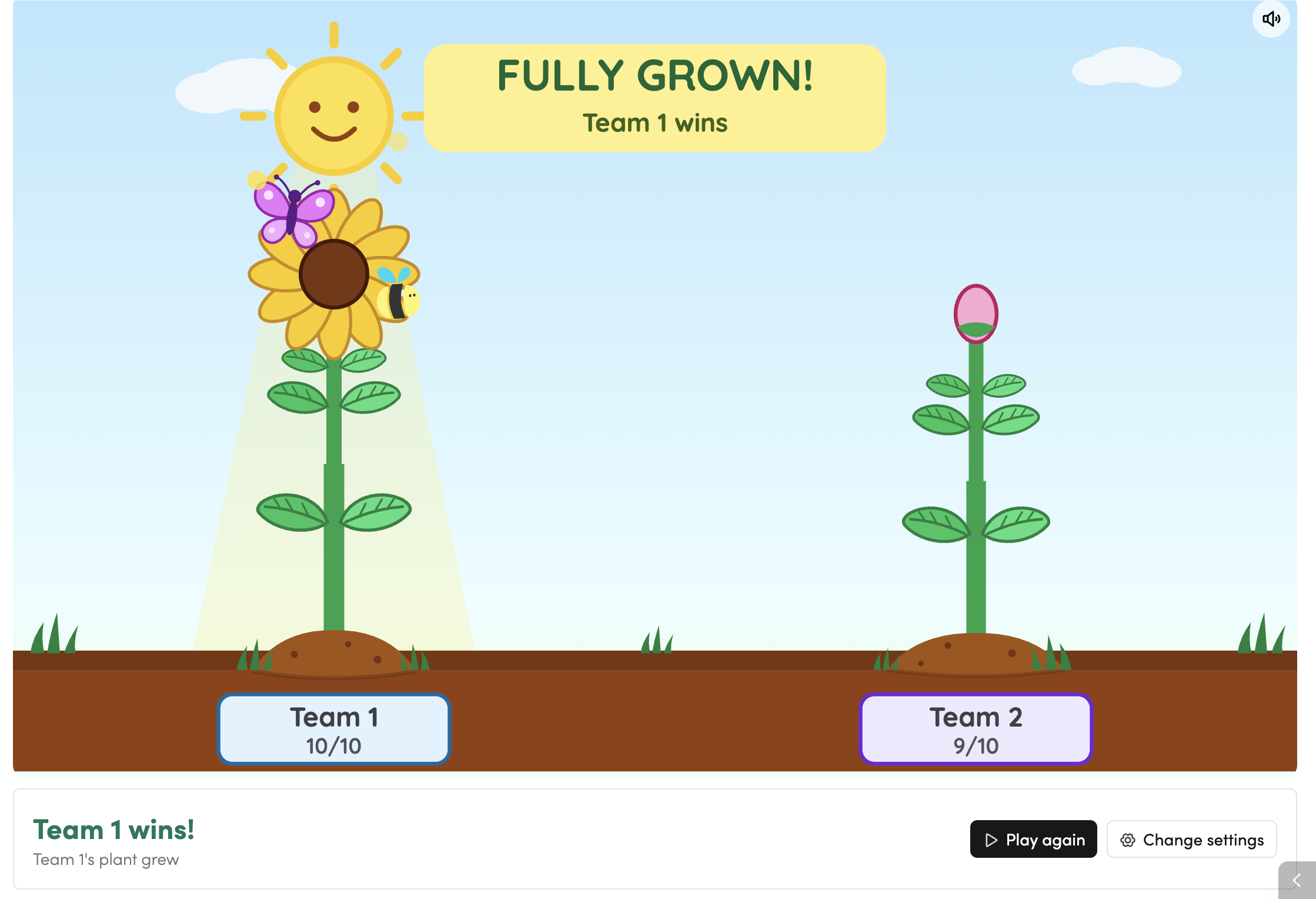
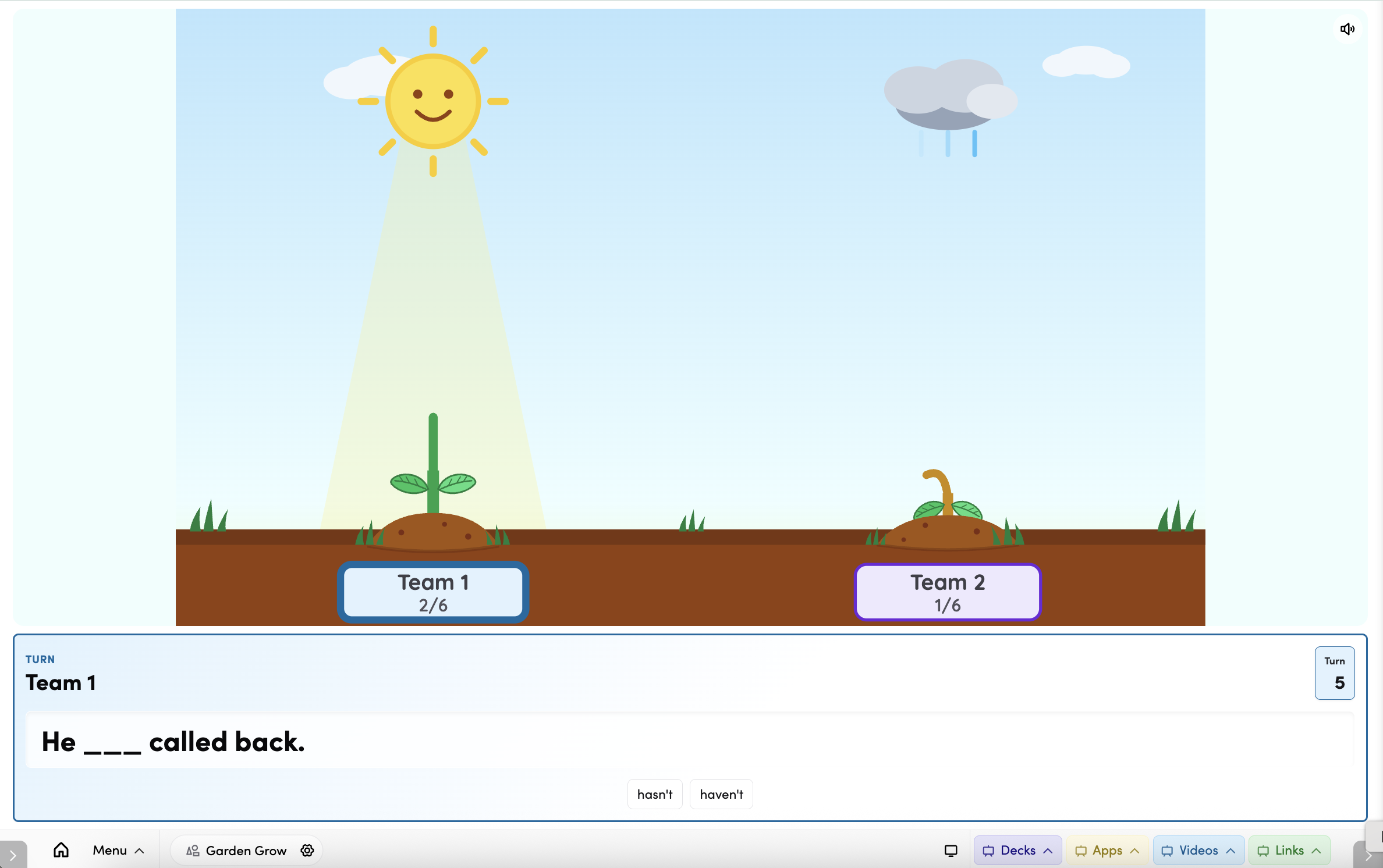
Teams take turns answering questions, spotlighted by the sun. A correct answer grows that team's plant one stage closer to full bloom — from seed, sprout, leaves, bud, to a full flower. A wrong answer wilts the plant and brings a cloud, but no growth is lost. The first team to reach full bloom wins with a bloom-burst celebration!
Setting up a game
Open the the settings before starting (gear icon).
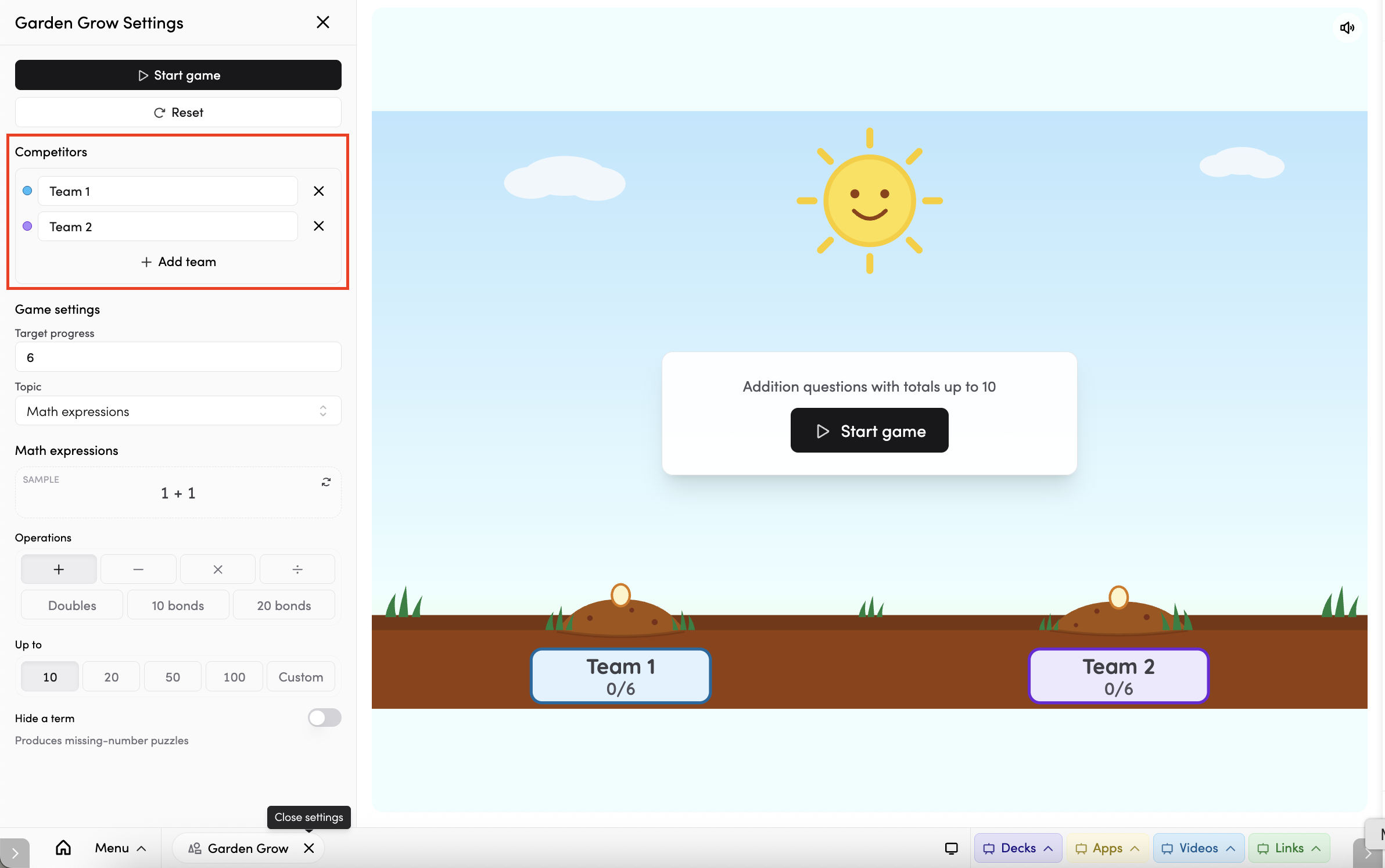
- Teams - Garden Grow is played by two to four teams. Name each team and use its colour swatch to tell the plants apart. Each team gets its own coloured garden stake and a different flower species when it blooms. Tap Add team to add another team, or tap the ✕ next to a team to remove it.
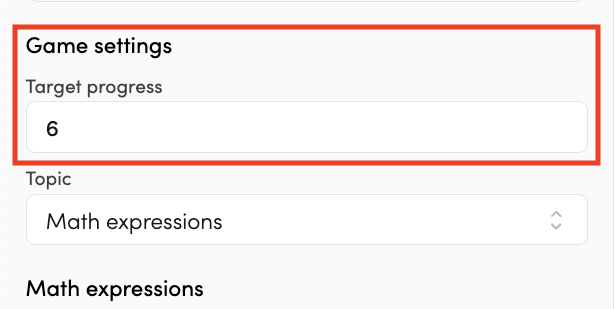
- Target progress - choose how many growth stages a plant needs to reach full bloom. The default is 6. Every correct answer always moves the plant one stage forward, regardless of the target you set.
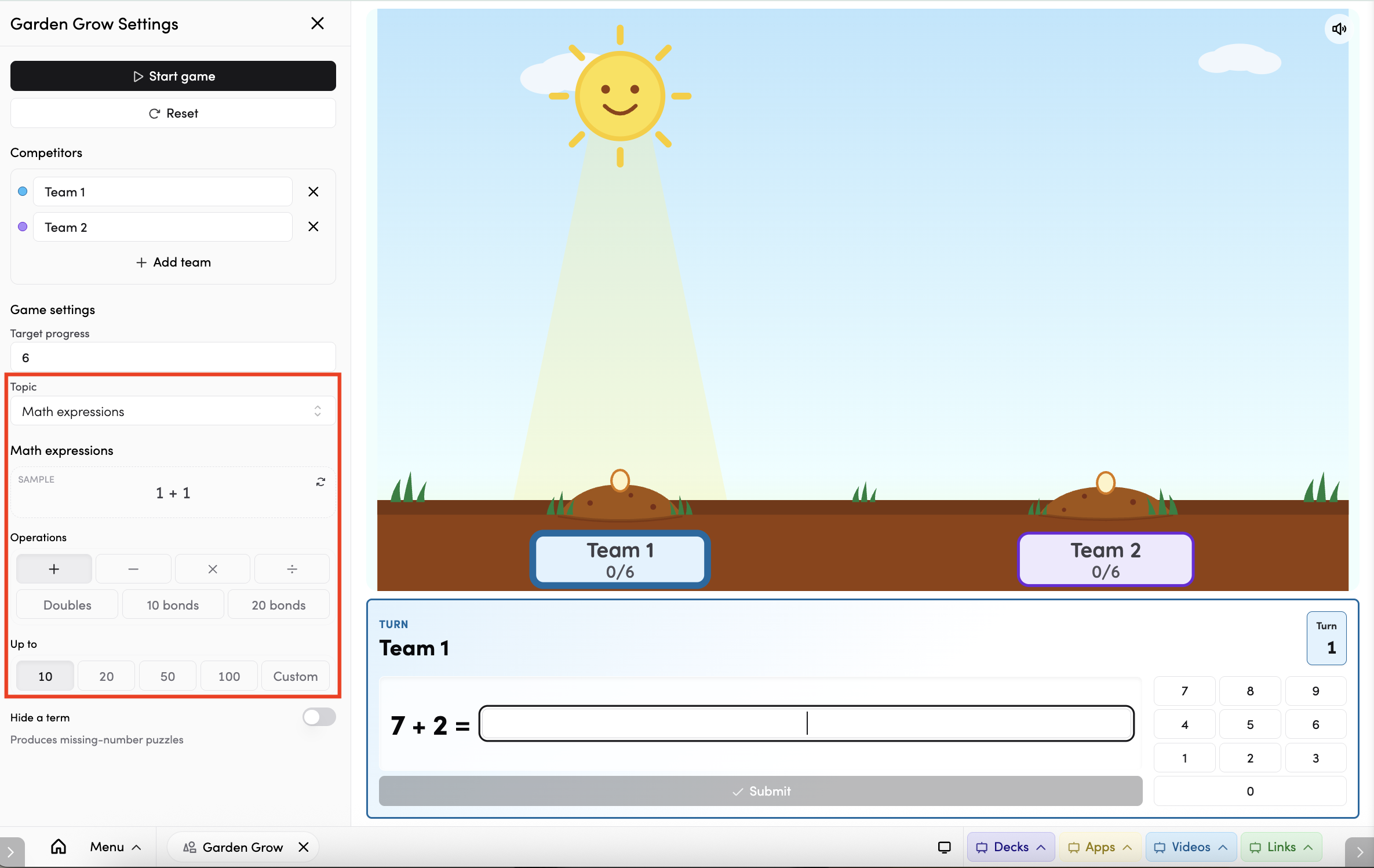
- Topic - use the dropdown to choose what teams will be answering:
- Math expressions - auto-generated maths questions. Choose your operations (addition, subtraction, multiplication, division, doubles, 10 bonds, 20 bonds) and set the number range.
- Grammar questions - ready-made question banks provided by The Hive.
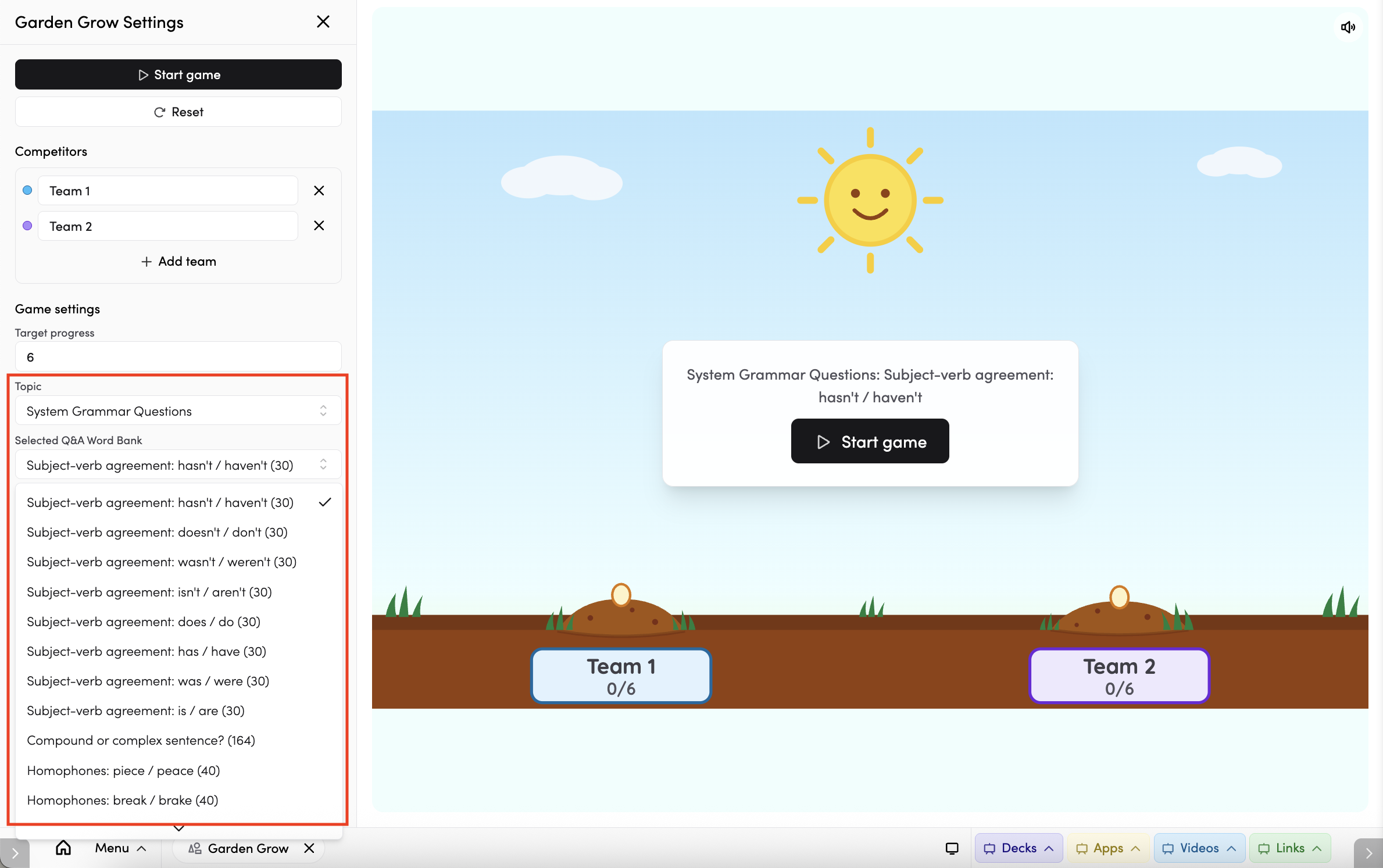
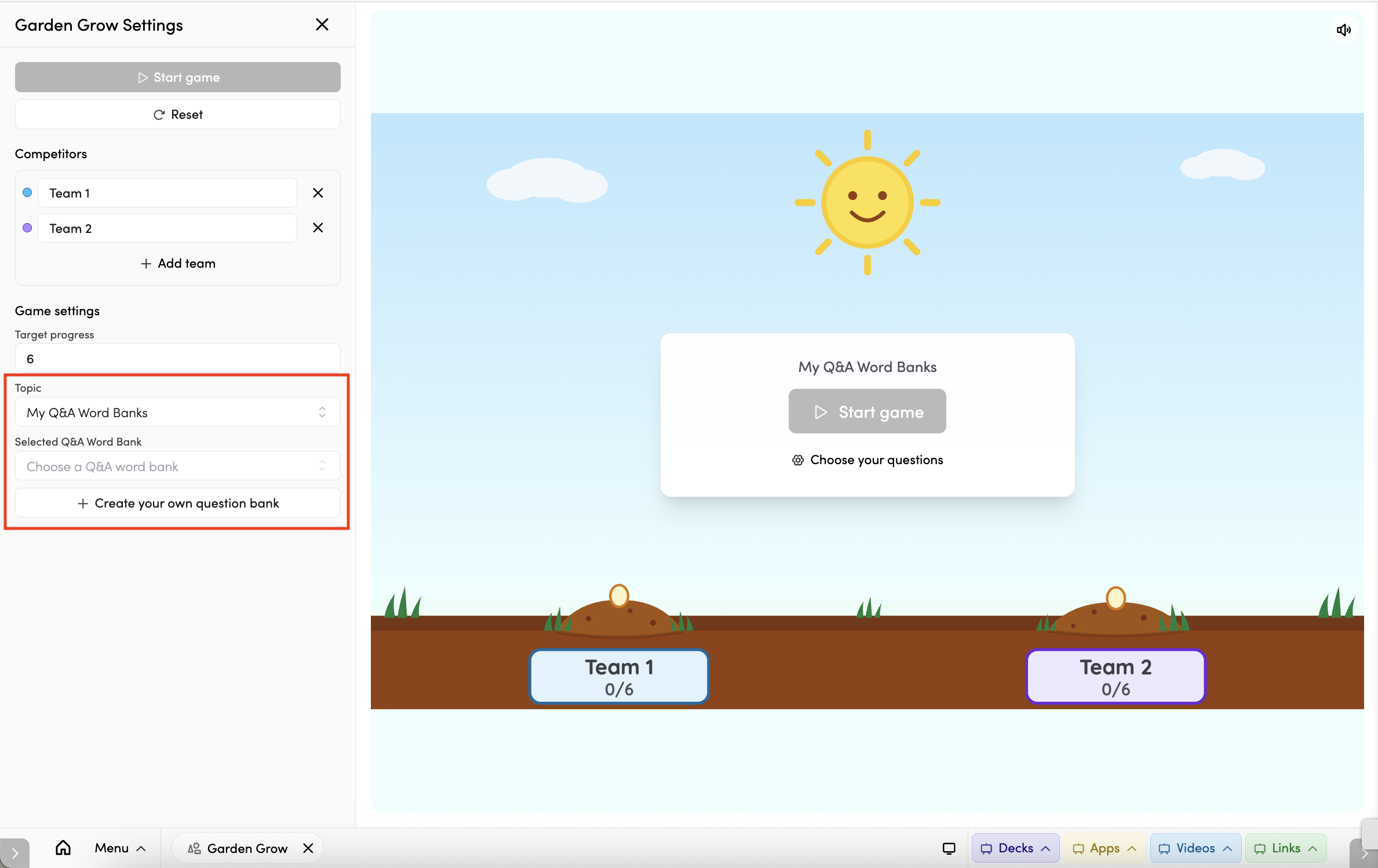
- My Q&A Word Banks - your own question-and-answer banks. Pick an existing one, or tap Create question bank to build a new one. Banks you create are reusable across games.
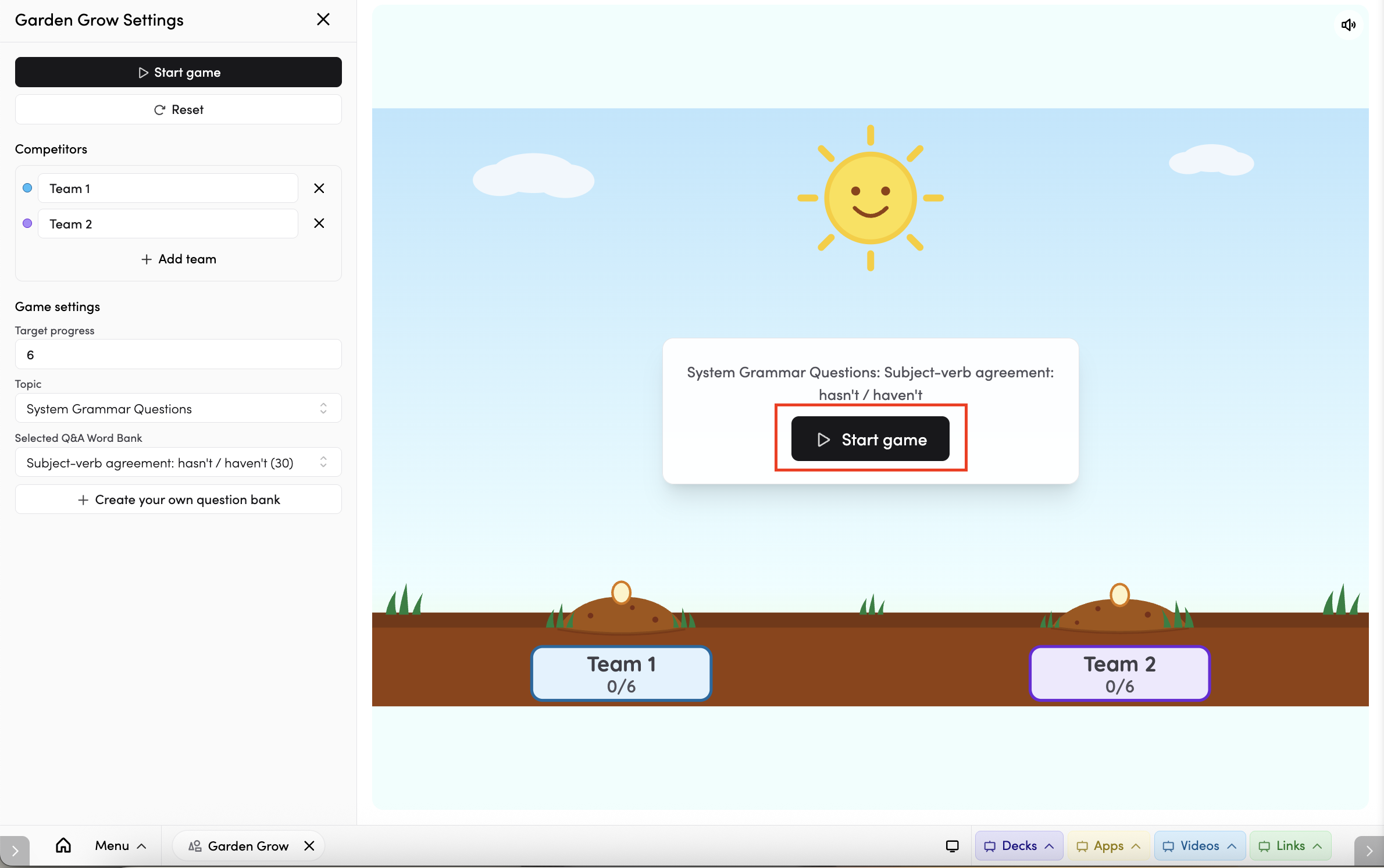
Once you're happy with your settings, tap Start game. A 3 – 2 – 1 – GO! countdown plays, then the first team takes its turn.
Tips
- Garden Grow is calm and turn-based - a good choice when you want everyone watching one shared screen.
- Play as a class with at least two team, solving each question together to reach full bloom.
- Tap the star icon to add Garden Grow to your favourite apps.
- Tap the timetable icon to connect Garden Grow to your timetable. (Read more about timetable connections here)