Syllable Sorter
Build phonological awareness, rhythm, and vocabulary in one simple click as students sort 1, 2, 3 or 4-syllable words.
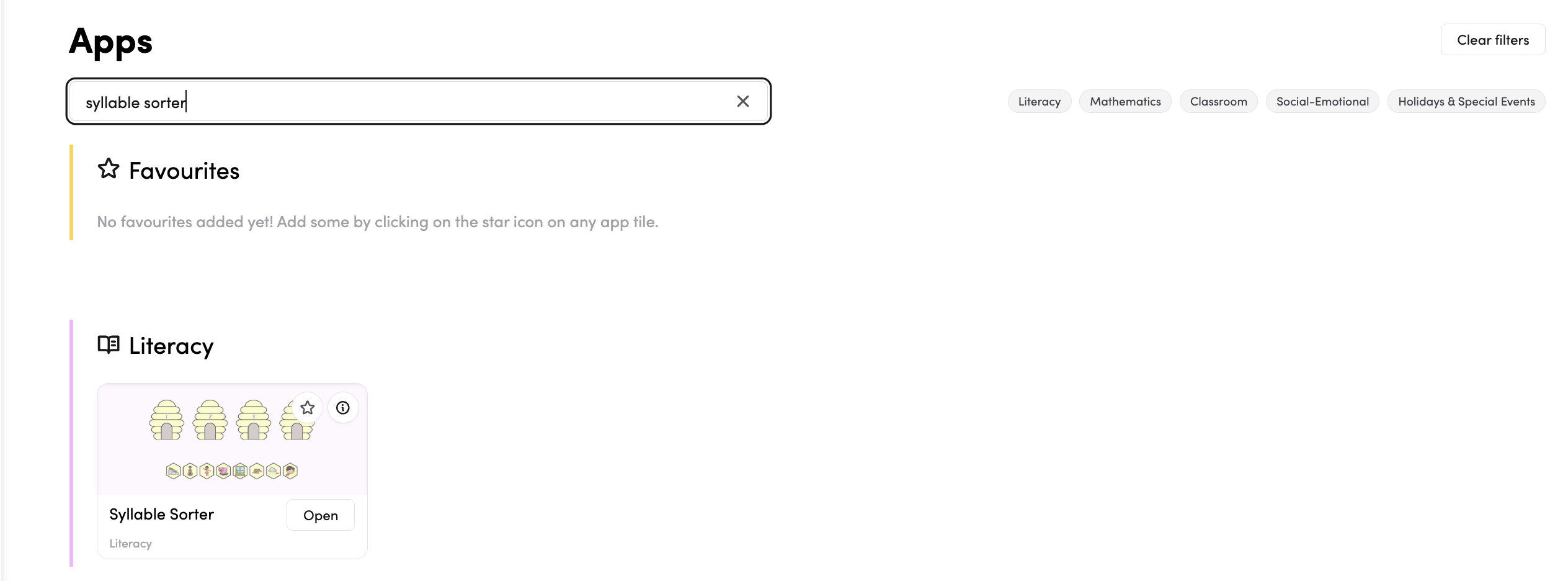
- From the Dashboard left-hand side menu click on Apps.

- Search or find the app tile in the list. Click on Syllable Sorter.
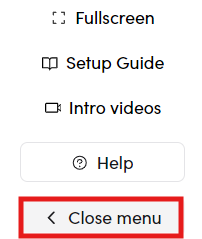
- Click the 'Close Menu' button at the bottom left of the screen to enter the full screen.
- Click New Words.
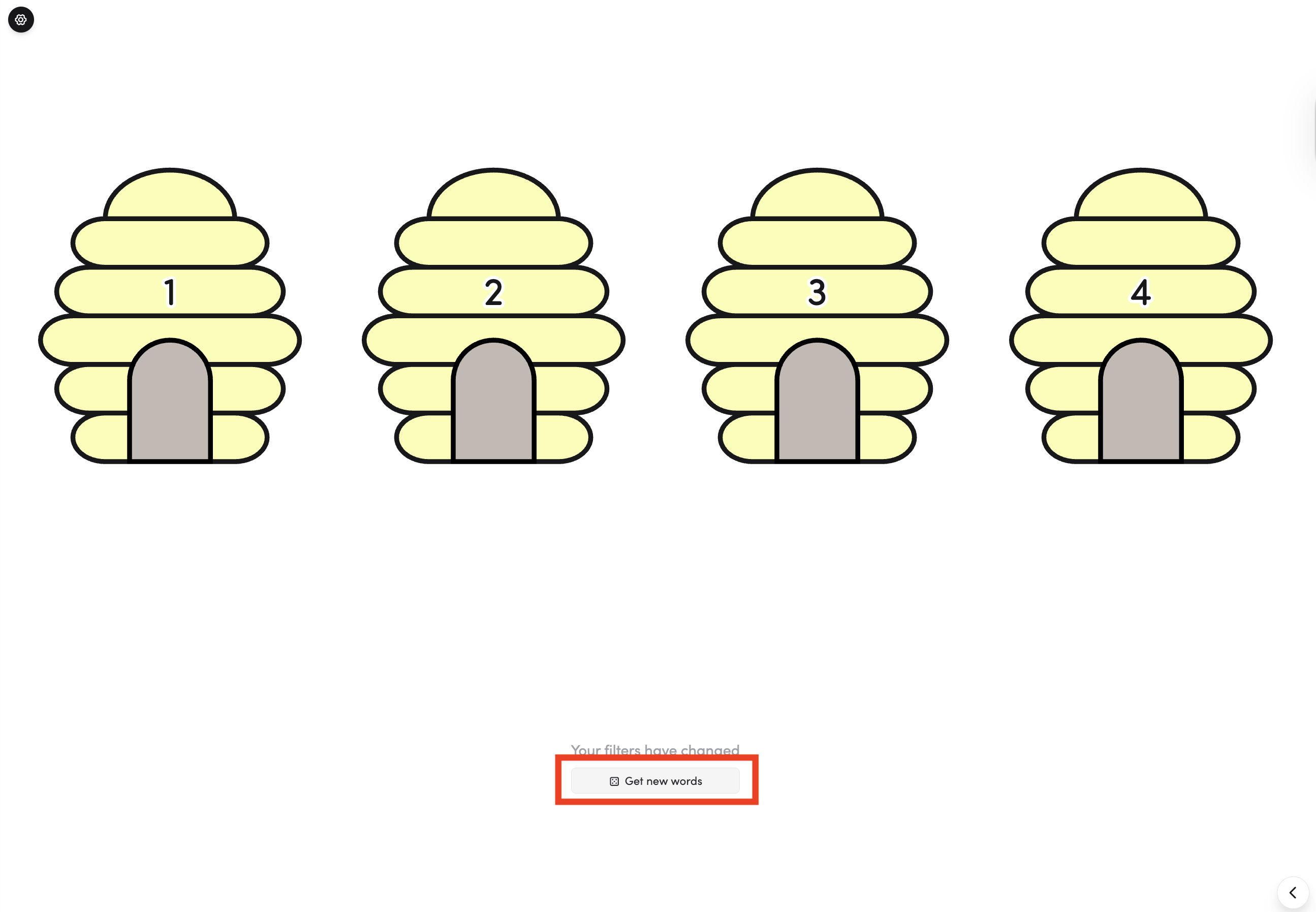
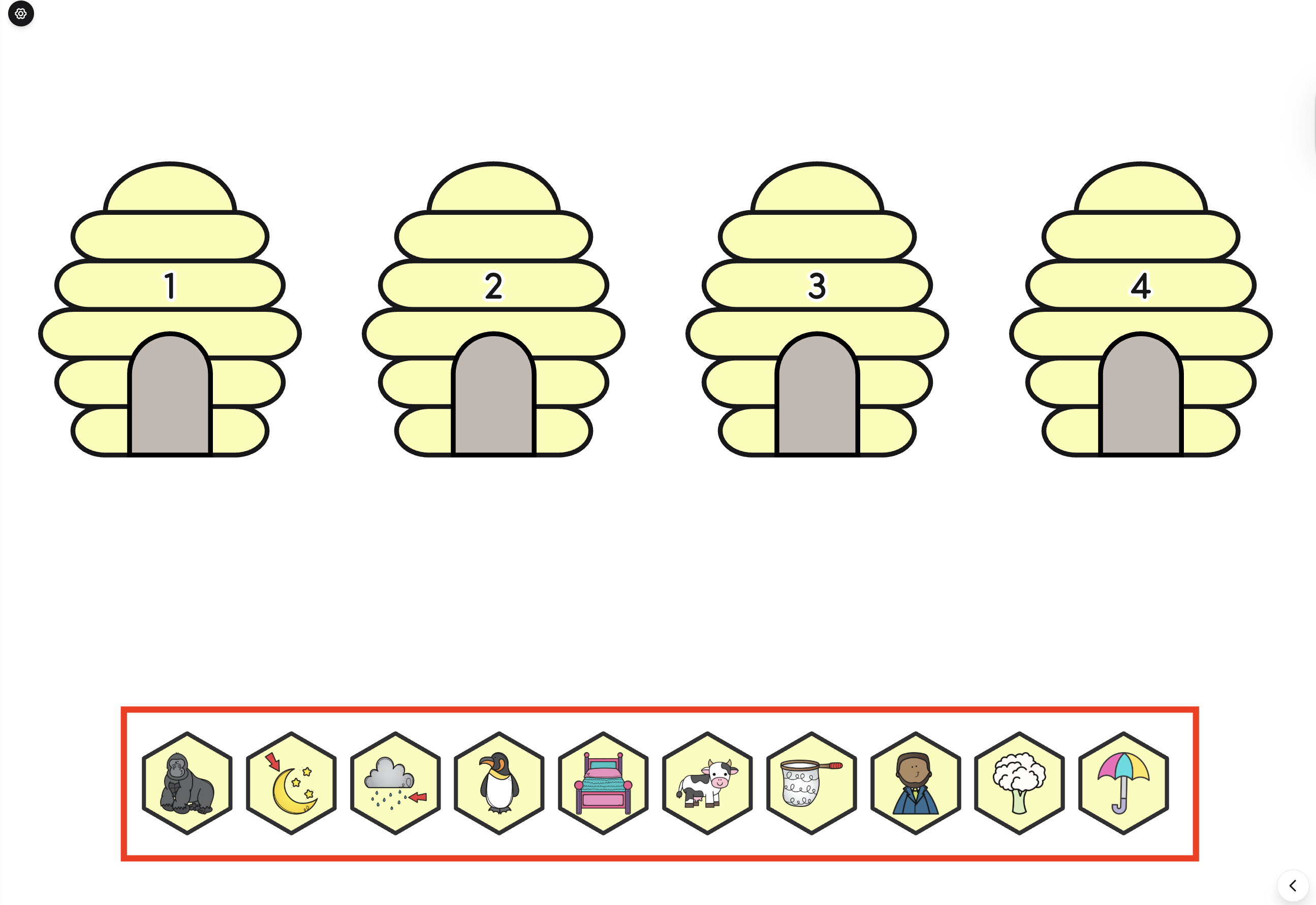
- Drag each picture to the hive that matches its number of syllables.
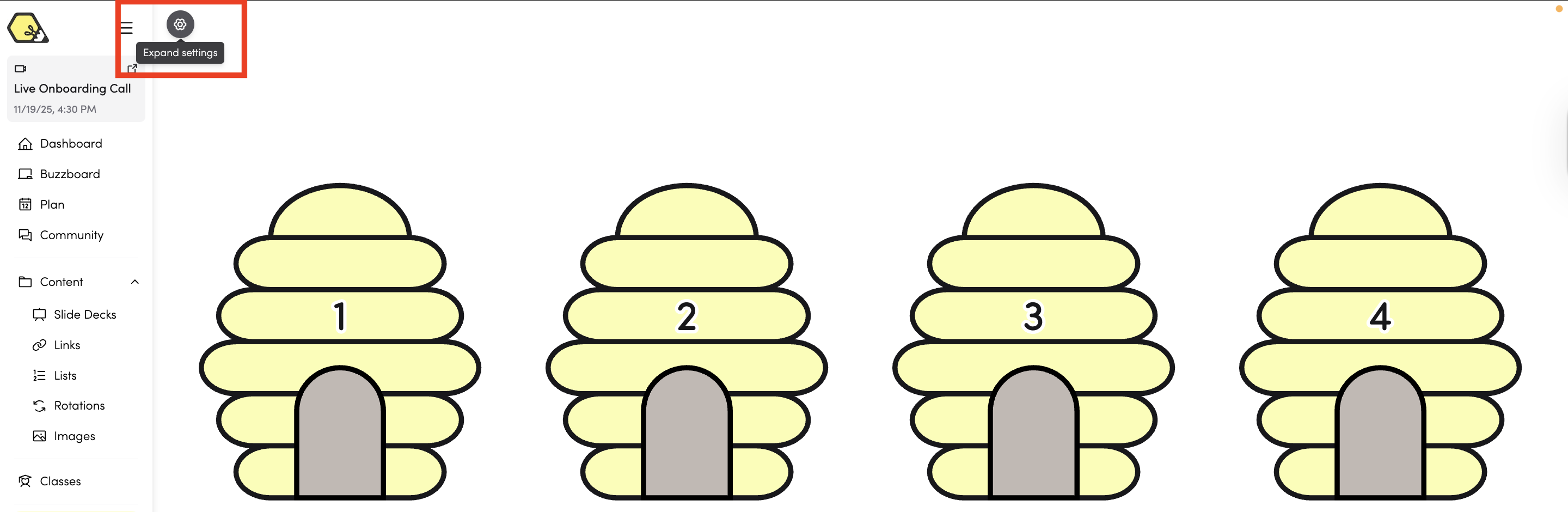
- You can also adjust the settings by clicking on the top-left icon.
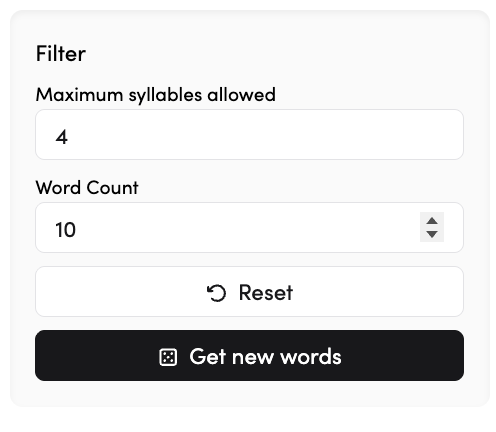
- Set the syllable limit and word count to match your students’ needs.
- Click 'Connect to Timetable' to connect the app to your timetable entries.