Daily Snapshot Lite
Daily Snapshot Lite is a sentence-based check-in for your class. Fill in the day, date, month, weather, temperature, and season together - great for morning routines, especially with younger learners who benefit from reading the information as a full sentence.
How do I access Daily Snapshot Lite?
You can access Daily Snapshot Lite in three ways:
-
Through Teach Mode - tap 'Apps' on the bottom bar and search for Daily Snapshot Lite.
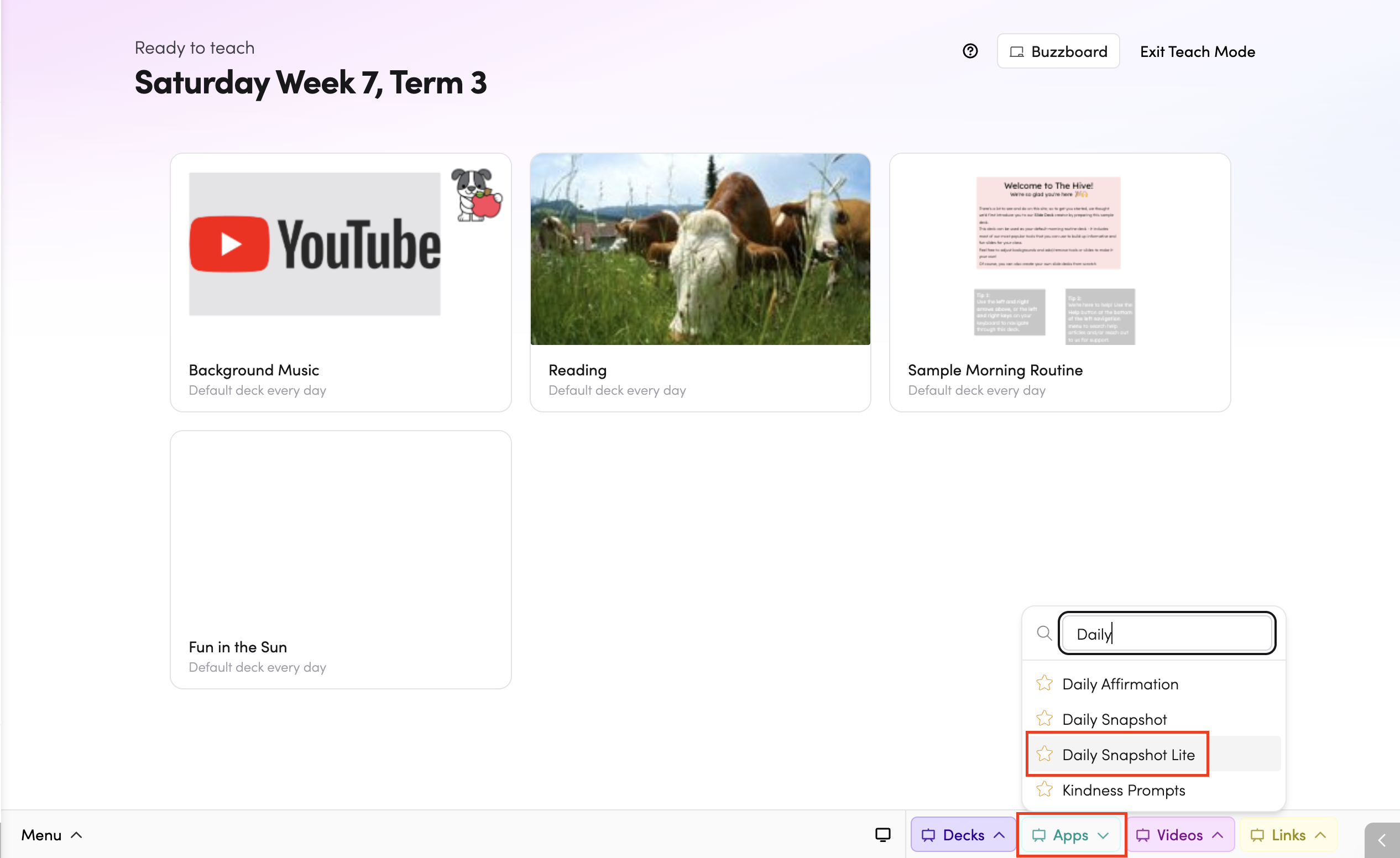
- From the Apps library - browse or search for Daily Snapshot Lite in the Apps library.

- In your slide deck - search for Daily Snapshot Lite by clicking on Apps > Daily Snapshot Lite.

How do I use Daily Snapshot Lite?
The app displays three sentences for your class to fill in together. Work through each dropdown with your class. As you make selections, the sentence fills in with the chosen answers.

What's the difference between Daily Snapshot and Daily Snapshot Lite?
Daily Snapshot uses separate modules for each category (days, months, weather, calendar, etc.) laid out in a grid. Daily Snapshot Lite presents everything in simple sentences on a single screen - a cleaner option if you want a quick, read-along check-in without the extra detail.
Tips
-
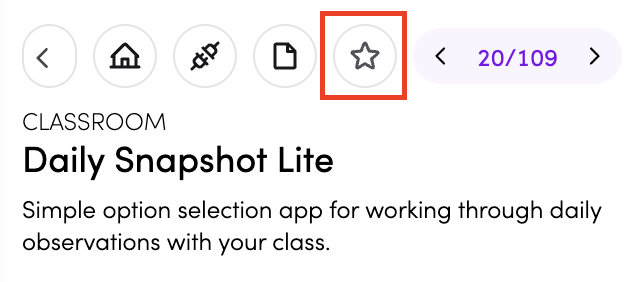
You can add Daily Snapshot Lite to your favourite apps by tapping the star icon.
-
You can connect Daily Snapshot Lite to subjects in your timetable by tapping the timetable icon. Read more about timetable connections here.