Handwriting Lines Generator
The Handwriting Lines Generator creates printable handwriting sheets for your class. Customise the line style, row height, and layout to suit your students - from early learners to more confident writers.
How do I create a handwriting sheet?
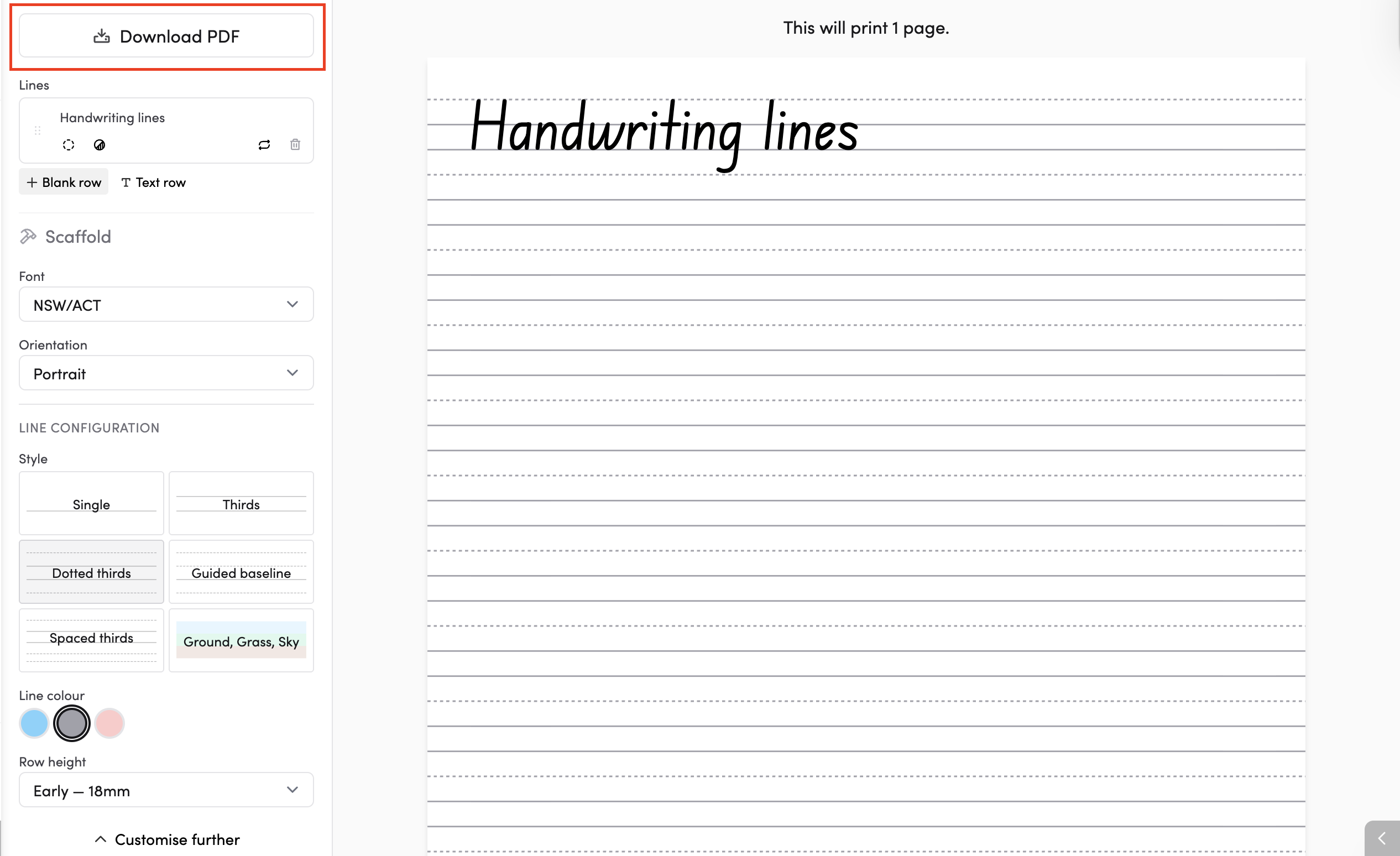
Use the left-hand panel > Generators > Handwriting Sheet to set up your sheet.
You can add blank rows for free writing or text rows with pre-filled words for tracing and copying practice. A printable preview will appear on the right side of the screen.
How do I add rows to my sheet?
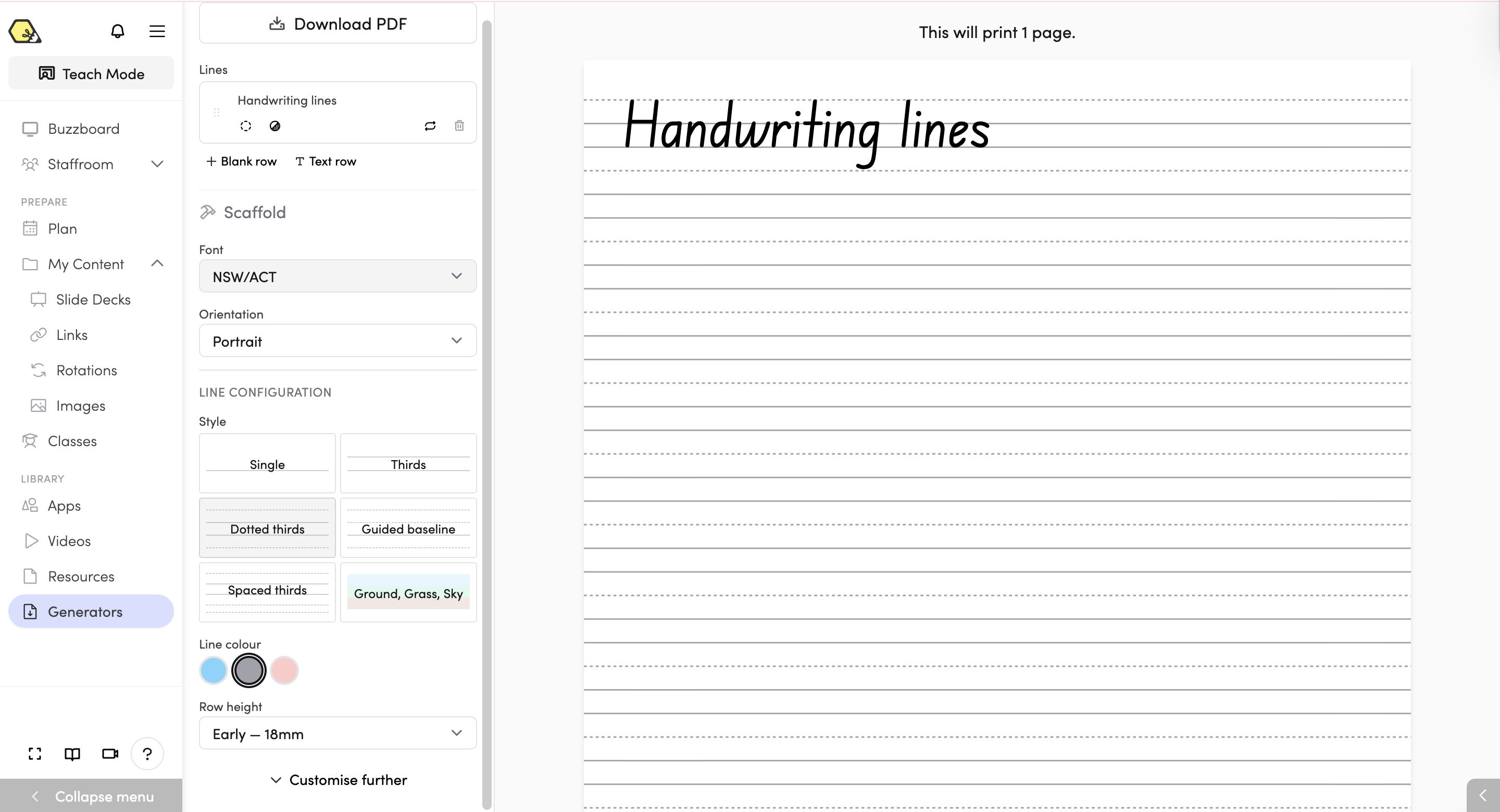
At the top of the left panel under Lines, you'll see two options:
- + Blank row - adds an empty row of handwriting lines for students to write on freely.
- T Text row - adds a row with pre-filled text that students can trace or copy underneath.
You can add as many rows as you like and reorder them by dragging. To remove a row, tap the bin icon next to it.
How do I change the look and layout of my sheet?
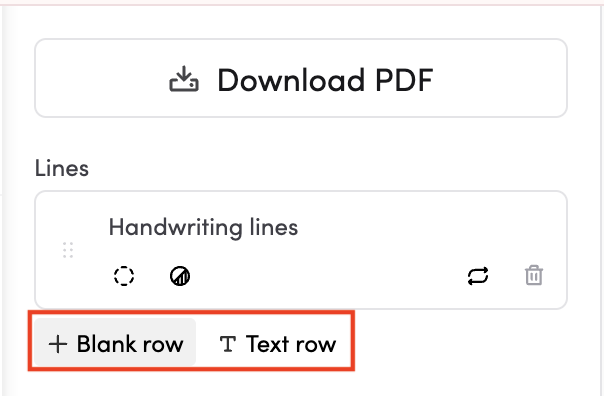
Under the Scaffold section, you'll find these settings:
- Font - choose a handwriting font from the dropdown (e.g. NSW/ACT).
- Orientation - choose between Portrait or Landscape.
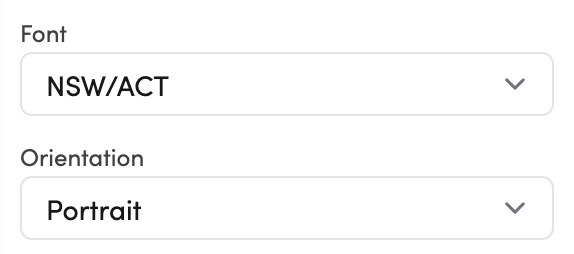
Under Line Configuration, you can customise the lines themselves:
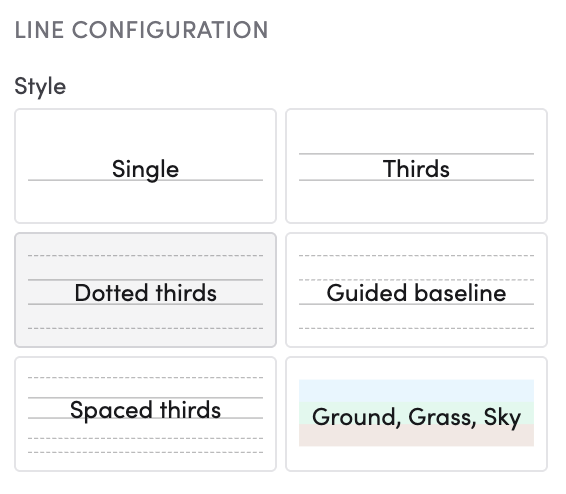
- Style - choose from six line styles:
- Single
- Thirds
- Dotted thirds
- Guided baseline
- Spaced thirds
- Ground, Grass, Sky
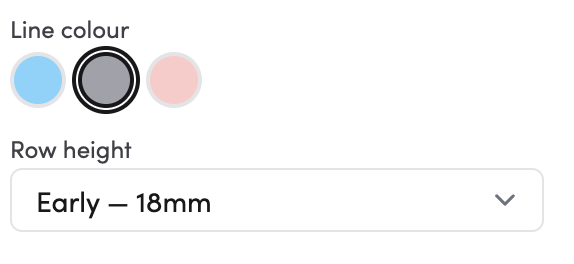
- Line colour - pick a colour for the lines from the colour swatches (blue, grey, or pink).
- Row height - choose a preset height from the dropdown (e.g. Early - 18mm).
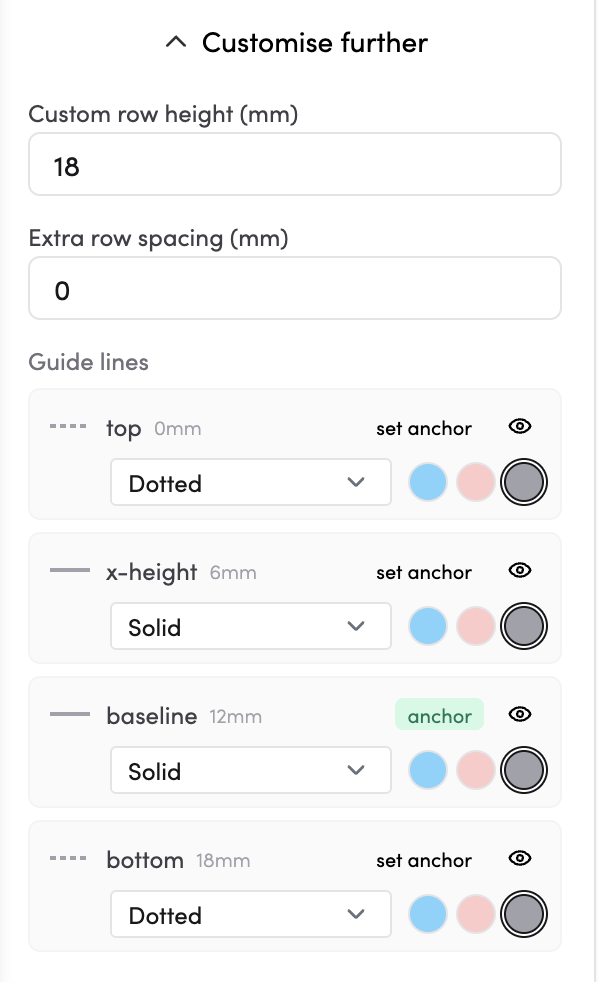
- Custom row height (mm) - set an exact row height.
- Extra row spacing (mm) - add extra space between rows.
- Guide lines — individually adjust each guide line (top, x-height, baseline, and bottom). For each one, you can:
- Change the line style (Dotted or Solid)
- Change the colour (blue, pink, or grey)
- Set it as the anchor line
- Show or hide it using the eye icon
How do I download my handwriting sheet?
Tap Download PDF at the top of the left panel to save your file.