
Area Explorer
Explore randomly-generated shapes by using coloured squares to determine the area.
How to Use the Area Explorer App
- From the Dashboard left-hand side menu, click on Apps.

- Search, filter by Mathematics, or find the app tile in the list. Click on Area Explorer to get started.

- Click the 'Close Menu' button at the bottom left of the screen to enter full screen.

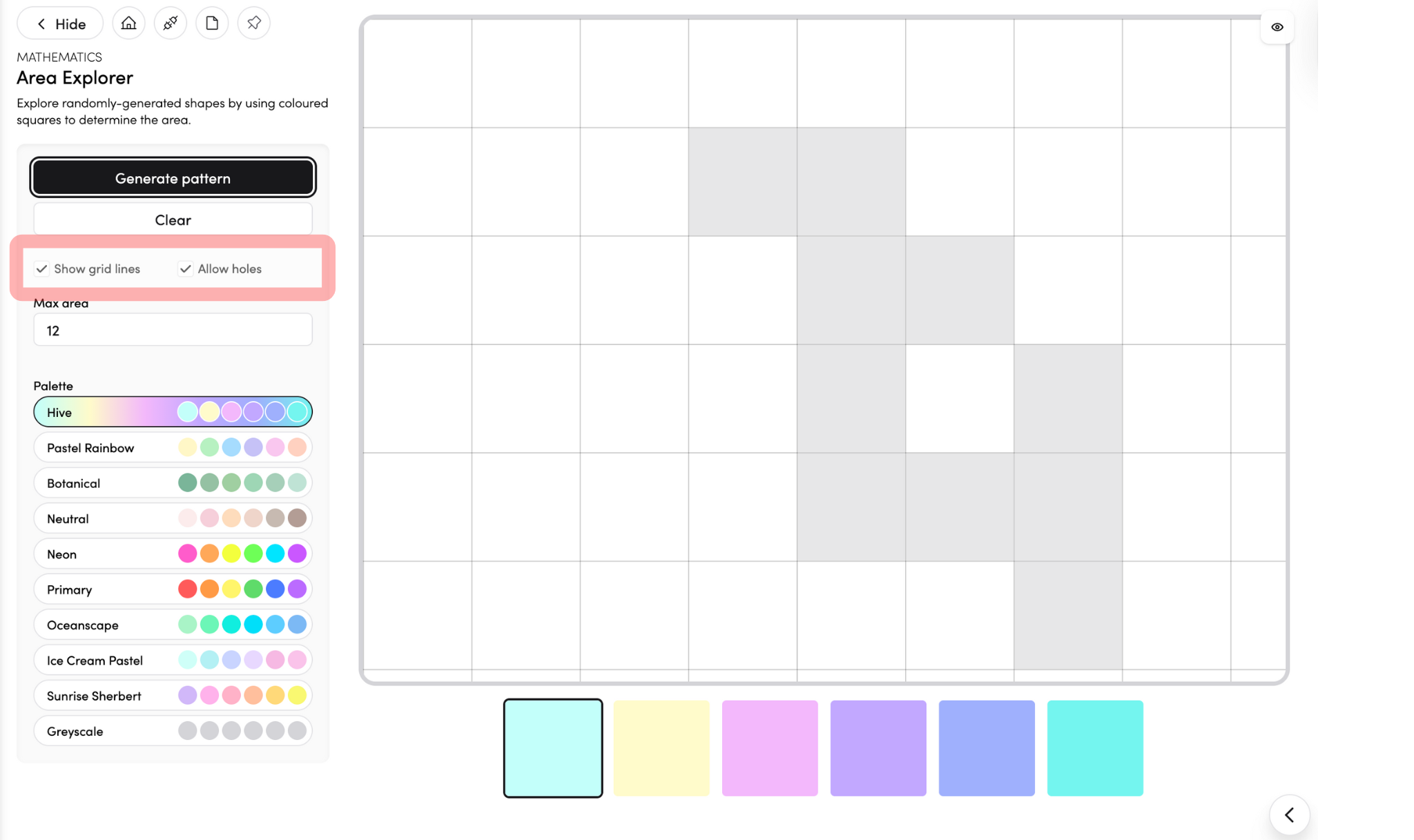
- Click 'Generate Pattern' to choose the design you’d like to explore.

You can also change the colours of the boxes before you begin.
- Drag the coloured boxes into the grid to determine the area.

Arrange them to match the pattern or create your own design!
-
Choose whether to show grid lines or allow holes in your pattern by ticking the appropriate boxes.

- Click 'Connect to Timetable' to connect the app with your timetable entries.

- Click the pin icon to add the app to your pinned apps on the dashboard.
