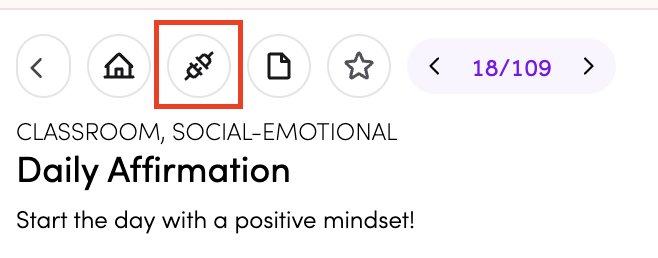
Daily Affirmation
Daily Affirmation helps your class start the day with a positive mindset. Tap through to display a new affirmation each time - great for morning routines, mindfulness moments, or setting a positive tone for the day.
How do I access Daily Affirmation?
You can access Daily Affirmation in three ways:
-
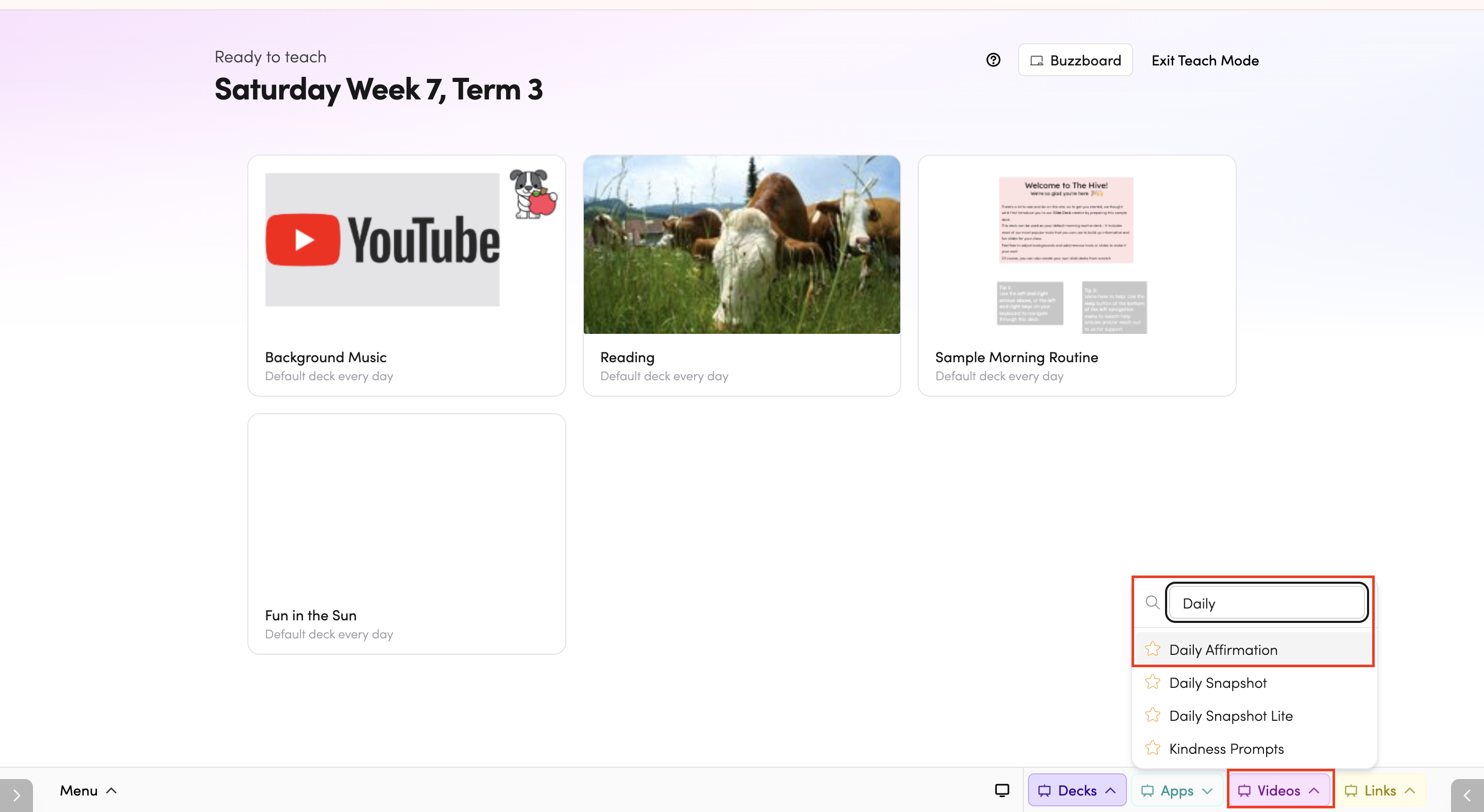
Through Teach Mode - open Daily Affirmation directly from the bottom bar of Teach Mode.
-
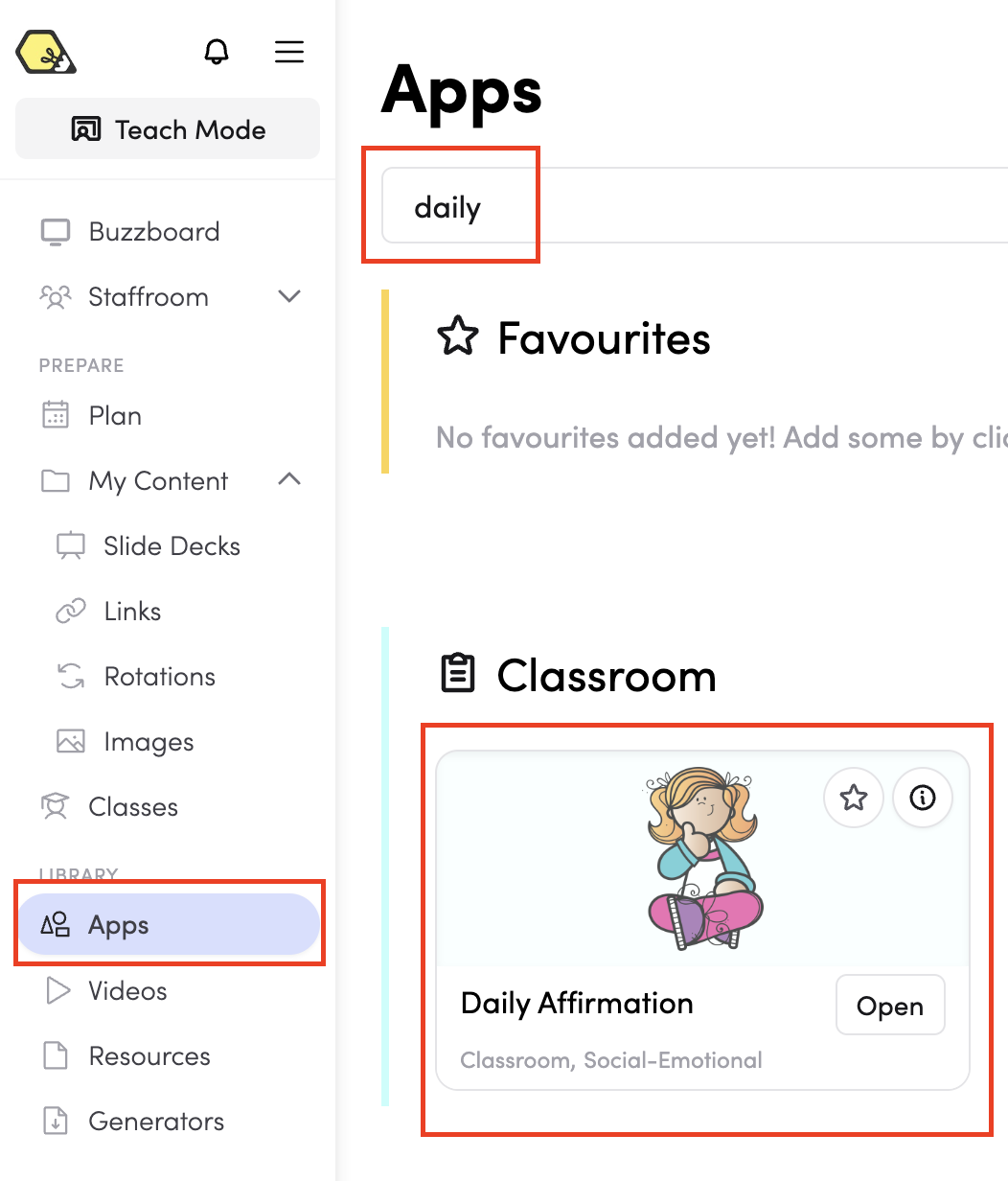
From the Apps library - browse or search for Daily Affirmation in the Apps library.
-
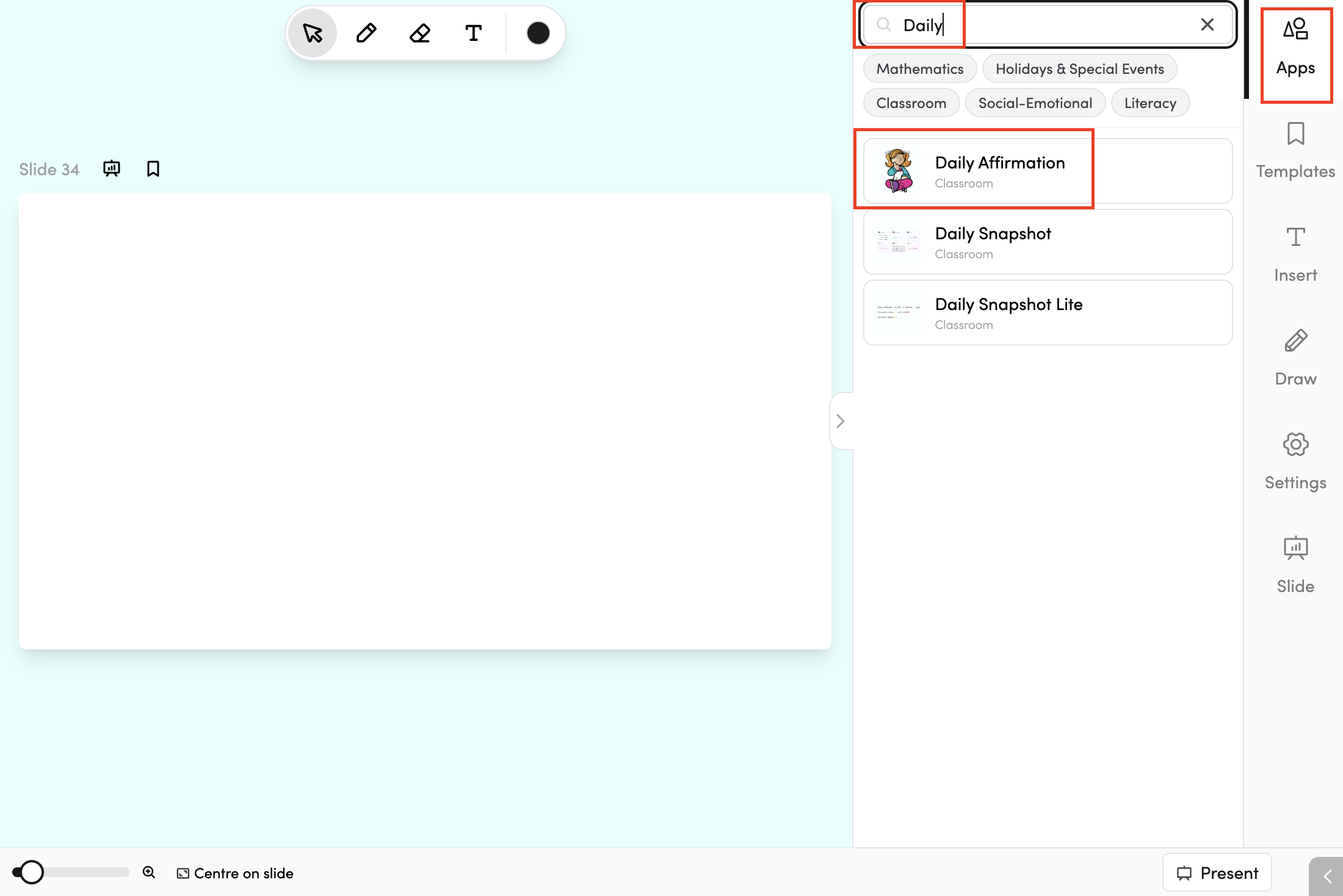
In your slide deck - Daily Affirmation can be added as a single-use slide. Go to your slide deck, add a new slide, and scroll down to find it.
How do I use Daily Affirmation?
Tap Next to display a new affirmation. Keep tapping to cycle through different affirmations until you find one that suits the moment.

Tips
-
You can add Daily Affirmation to your favourite apps by tapping the star icon.

-
You can connect Daily Affirmation to subjects in your timetable by tapping the timetable icon. Read more about timetable connections here.